What's new
Newest first. Every version is a free update from Google Play or the App Store, and the app tells you when a new one is waiting.
Some rides do not happen on one morning: a permanent-style route ridden when the weather allows, a club event spread over a season. From 5.32 an organizer can run such an event with no fixed start. They register you, and you pick the day and time you leave, right after registering or later from the event page; every control and the finish open and close from the start you picked, and you may leave up to an hour after it. Events with a fixed start, and events that leave in waves, work exactly as before.
Many organizers add a photo to each control point: the café door, the sign on the bridge, the counter where you get your stamp. Until now they sat behind a small icon, one control at a time. From 5.31 the event page shows each picture right above the control's name, and the ride page shows the control you are heading to. Events without control photos look exactly as before.
With the app closed, BrevetCard notices you have reached a control and checks you in - the same range around the control, the same opening and closing times, the same result on your card. In 5.21 it was off unless you went looking for it; from 5.30 the app asks you once, when you start your next ride. Say yes and your phone asks for location "all the time", which is what it needs; say no and it stays off, and you are not asked again. If you had already chosen, your choice stands, and Settings is the way back either way.
Two things about your account always lived outside the app: a new password, or a new sign-in address, meant a website and then signing in again. From 5.29 both are rows under Account on your Profile page. A new password signs every other device out and keeps the one in your hand signed in; a new address gets a six-digit code and takes over only once you use it, so a typo changes nothing. Nothing about riding changes.
A place in the app where you ask in plain language and get a plain answer - what the check-in radius does, why a card shows a missed control, what happens when you lose signal. It can look up your own events, your card and your results while it answers, and it understands Hungarian as well as English.
Since BrevetCard 4.8 · May 2026
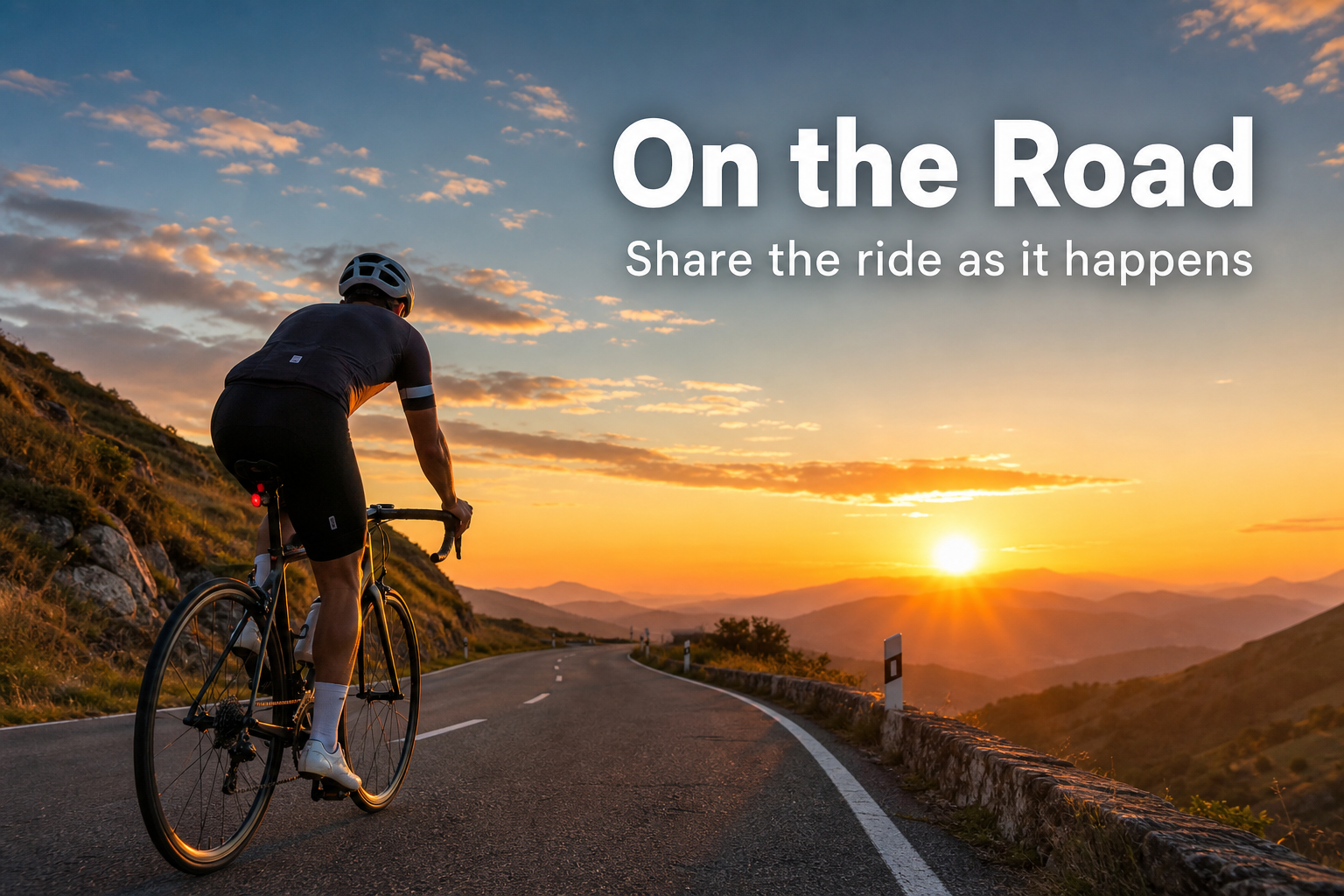
Every brevet is more than distance. It is the sunrise start, the quiet roads, the checkpoint moments, the views you did not expect, and the joy collected kilometer by kilometer.
With On the Road, riders can post a photo, add a caption, share where they are, and let others follow the story while it unfolds.
Share ride moments directly from BrevetCard during the event.
Family, friends, teammates, and loved ones can feel closer from home.
Enable the feature per event in the event editor.
See where riders have been posting across every public event at once, with the photos and the routes they were taken on right there on the map. It shows places rather than people: areas, not addresses, and no rider is named. No account needed.